Spirit level & angle · for Android
An old carpenter’s spirit level, on your phone.
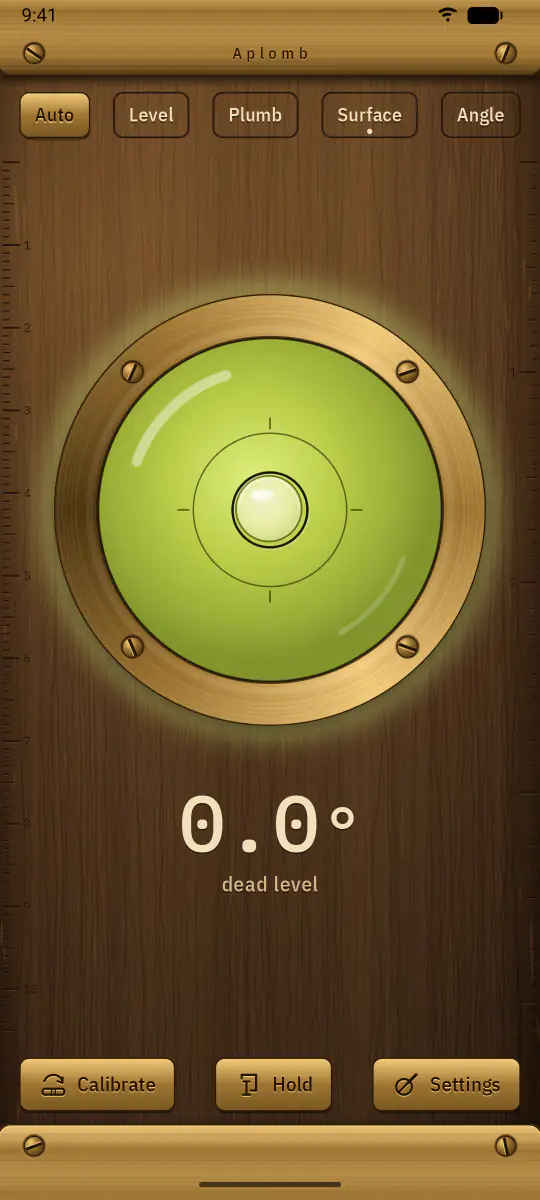
An oiled oak body, brass end plates with slotted screws, engraved rules, and a glass vial of yellow-green spirit. The bubble trails your hand a little, overshoots gently and settles, the way a real one does.
- No permissions at all
- No account, ads or tracking
- Works offline
Hold it like the tool, and it turns to the right face
Aplomb switches by itself as you change how you hold the phone. If you’d rather choose, the tags along the top pick one: Auto, Level, Plumb, Surface or Angle.
-
Level
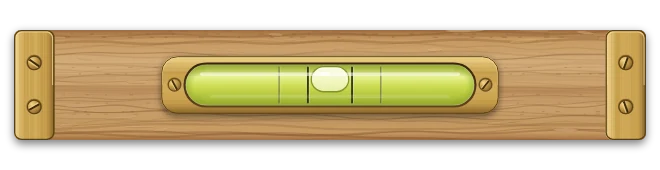
Stand the phone on its long edge, on a shelf or a worktop, and read the long bar vial.
-
Plumb
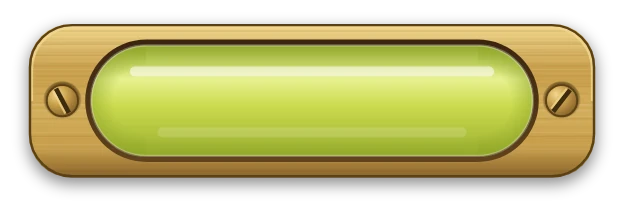


Stand it on its short edge against a post or a door frame. The cross vial tells you which way the top leans.
-
Surface
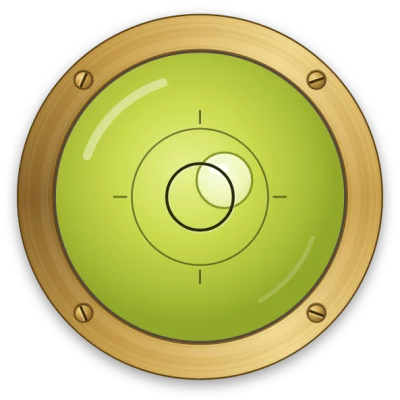
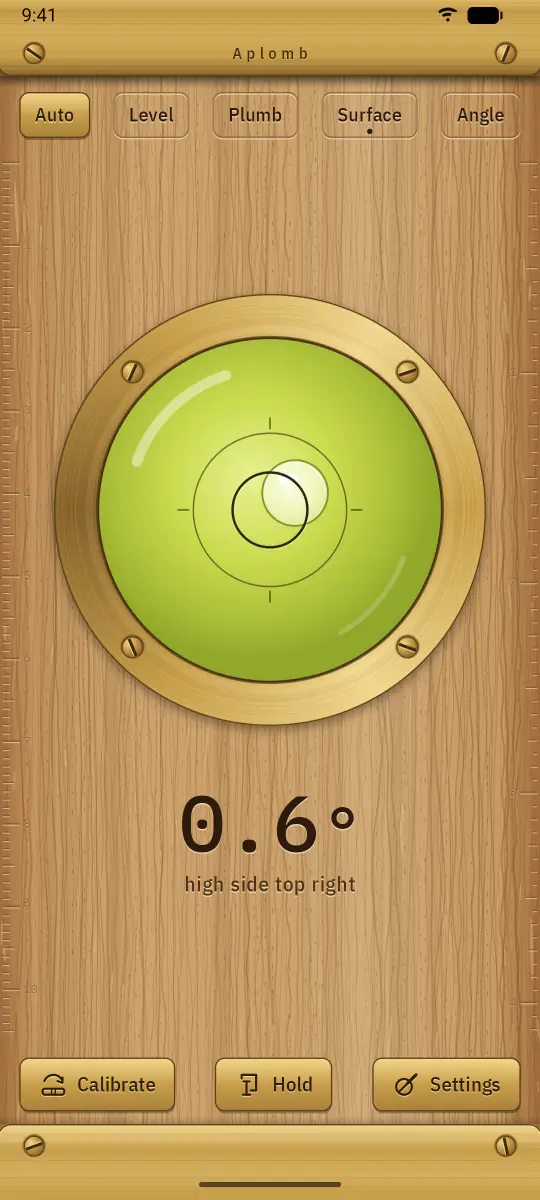
Lay it flat on a table or a shelf. The round bull’s-eye shows which side is high, both ways at once.
-
Angle
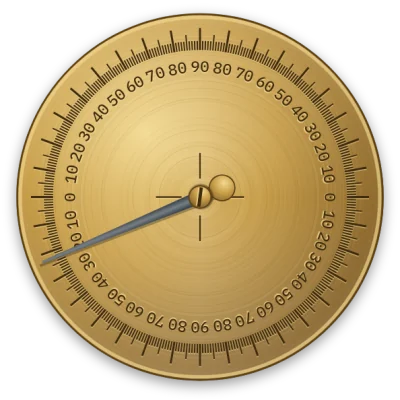
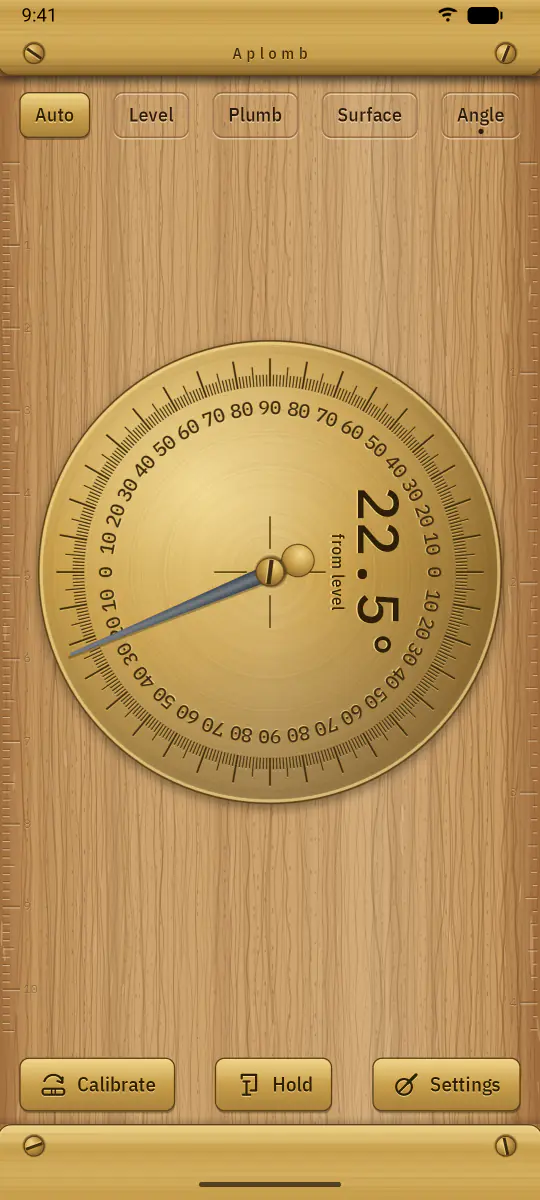
Anywhere in between, a brass protractor with a hanging needle and a large reading gives the angle from level.

One slope, written the way the job asks
Degrees, percent slope, millimetres per metre or inches per foot. Here is the same 1° tilt in each, as Aplomb writes it:
- 1.0° degrees
- 1.7% percent slope
- 17 mm/m millimetres per metre
- 0.21 in/ft inches per foot
Hold the reading
Tap the level, or Hold, and the reading freezes. A little brass clamp shows it’s held, so you can measure behind a cupboard or above your head, then bring the phone round and read it. Tap again to let go.
The screen stays on while Aplomb is open, so it won’t go dark halfway through a job.
Calibrated the carpenter’s way
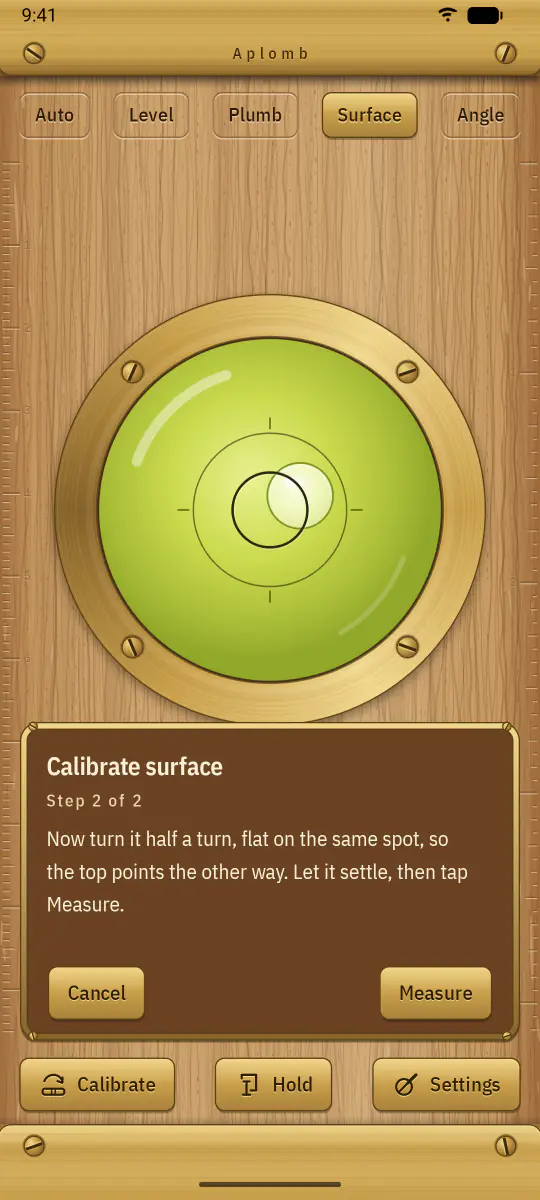
Phone sensors are rarely perfect, so Aplomb uses the check a carpenter makes with a new level.
- Put the phone on a firm, steady surface and take a reading.
- Turn it half a turn, end for end on the same spot, and take another.
- The phone’s own error is half the difference between the two. Aplomb keeps it as a correction.
Level, Plumb, Surface and Angle each keep their own correction, and Reset calibration in settings clears them all.
By day, a sunny bench. At dusk, one warm lamp.
Day is a level on a bench in the sun. Dusk is the workshop after dark: dark oak, and lamp light catching the brass. Aplomb follows your phone’s setting, or you choose one.
Nothing leaves the bench
- Aplomb asks for no permissions at all. It doesn’t even have permission to use the internet, so it can’t send anything anywhere.
- No account, no ads, no analytics, no tracking.
- The tilt is read live from the phone’s gravity sensor (or its accelerometer) and never stored. Your settings and calibration stay in the app’s private storage on your phone.
The privacy policy has the details, down to what Android’s own backup may copy.
A fair word about phones
A phone’s sensors are not a precision instrument, and the reading depends on the phone and its case. Calibrate on a stable surface. For structural, safety-critical or professional work, check with a proper level.
Aplomb needs a phone with an accelerometer; Google Play only offers it to phones that have one. Settings let you turn the haptic tick off, or turn on a tiny click as you reach level (it starts off).